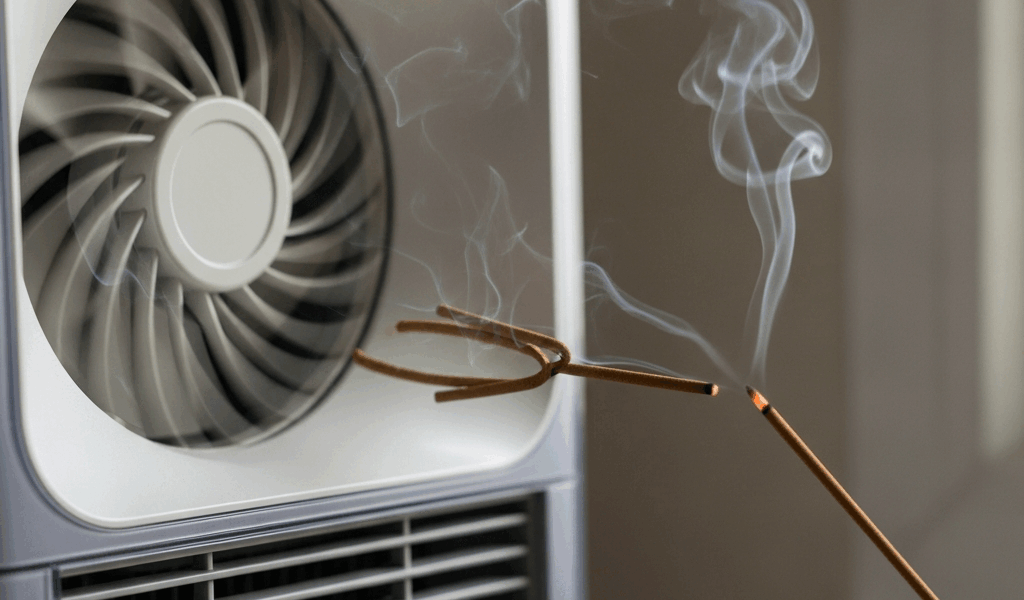
What It Means When the Fan Runs But No Air Comes Out
Air purifier troubleshooting has gotten complicated with all the conflicting advice flying around. As someone who has tested and repaired dozens of units over the years, I learned everything there is to know about this specific failure mode. Today, I will share it all with you.
Your air purifier fan is running but no air comes out — and honestly, it’s one of the most maddening equipment failures because it sounds like the unit is working. The motor spins. You hear it. But hold your hand up to the outlet vent and you feel almost nothing. That disconnect between sound and sensation creates this unsettling doubt about whether the machine is actually doing its job.
But what is actually happening here? In essence, it’s a separation between two systems — the fan motor and the airflow path — operating independently of each other. But it’s much more than that. A fan can spin at full speed while an obstruction upstream or downstream completely strangles air movement. This symptom usually points to one of two things: something physically blocking airflow through the unit, or a mechanical problem with the fan blade itself — slipped, cracked, or a motor losing torque. Most of these failures are fixable at home. That’s what makes catching it early so valuable to us users — you won’t damage anything else in the process. So, without further ado, let’s dive in.
Check the Filter First — It May Be Completely Clogged
Start here. Before you panic about motor failure, pull out the HEPA filter and pre-filter. A severely clogged filter can reduce airflow to nearly zero even while the fan runs at maximum speed.
The difference between a dirty filter and a dead one is obvious once you see it. A dirty filter looks gray or brown — dust coating the pleats, maybe some pet hair caught in there. A completely clogged filter is dark, dense, almost felt-like. Hold it up to the light and you can barely see through it. If you’ve owned the unit for six months or longer without a filter change, this is probably your problem.
Here’s exactly how to check:
- Unplug the unit
- Open the filter compartment — usually the back or side panel
- Slide out the pre-filter first, the thicker foam or mesh layer
- Then remove the HEPA filter, the tall pleated cartridge
- Hold each one up to a window and look for light coming through the material
If the HEPA filter looks solid black or very dark brown and daylight barely comes through, replace it. Some units I’ve tested — the Levoit Core 300S and the Winix 5500-2 specifically — auto-reduce fan speed when airflow resistance climbs too high. The clogged filter slows the fan down. Less fan speed means less airflow. You see where this goes. Practically nothing moves.
Can’t see light through the filter? Don’t bother trying to clean it. A new HEPA replacement runs $25 to $60 depending on the model — faster and safer than attempting to vacuum or wash a pleated filter. Don’t make my mistake of trying to rinse one out. That was a $40 lesson.
Inspect the Air Intake and Outlet Vents for Blockages
Frustrated by the filter situation and found nothing wrong? Check what’s physically surrounding the unit.
I’m apparently someone who places things too close to walls, and my Coway AP-1512HH works fine with proper clearance while that cramped corner placement never did work for me. I had the unit sitting roughly six inches from a wall, thinking the confined space would concentrate the clean air output. It didn’t. The rear intake was pulling from a thin gap, and the unit was essentially suffocating itself. Moving it twelve inches out into the room fixed it completely. That was embarrassing.
Walk through these checks:
- Is the intake side — usually the back or bottom — pushed against a wall, furniture, or curtains? Move it. Most units need at least 12 inches of clearance on the intake side
- Look at the intake and outlet vents themselves. Dust bunnies, pet hair, lint — all of it accumulates in those vent slots and creates a real barrier
- Peek inside any visible openings. Debris falls into fan chambers more often than you’d expect
Clean the vents using a vacuum with a brush attachment. Gently. You’re removing surface dust and loose hair, not forcing anything deeper inside. Stubborn dust packed into vent slots responds well to a soft-bristled old toothbrush — the $1 kind from the travel section works fine.
Check the outlet side too. If your unit blows air upward or sideways, make sure nothing is blocking that output vent. I’ve seen people unknowingly wedge the unit into a desk corner or against a lamp, completely strangling the output. Small change, big difference.
When the Fan Blade or Motor Is the Real Problem
You’ve cleared the filters, checked for blockages, and the fan is still running with no airflow. Now you need to listen and look more carefully.
Start with your ears. Grinding underneath the normal hum? Does it sound off-pitch compared to when you first unboxed it? That grinding suggests failing motor bearings or something rubbing internally. A healthy fan produces a steady, consistent hum. Nothing dramatic. Just steady.
Now look at the fan blade itself. Unplug the unit first — always. Look directly at the blade through any accessible opening or panel. Does it wobble visibly when you gently nudge it? Is it sitting flush on the motor shaft, or does it look off-center? A slipped blade is a surprisingly common failure mode — the blade still spins, but it’s not pushing air efficiently. Sometimes it’s barely pushing air at all.
Probably should have opened with this section, honestly — but here’s the limitation worth knowing upfront: a slipped blade might be repositionable, but a cracked blade or failing motor isn’t a home repair. These parts aren’t user-serviceable on most consumer models.
If you’re comfortable opening the unit, most air purifiers use standard screws on the outer casing — not glued-together plastic. Check your manual first to confirm opening it won’t void the warranty. If the blade looks visibly cracked or the motor shaft spins while the blade stays put, you’ve found your answer.
Still No Airflow After These Steps — What to Do Next
Cleaned the filters, cleared every blockage, and the motor still isn’t pushing air. Contact the manufacturer. Have your model number ready — it’s usually on a sticker on the bottom or rear panel. Most air purifier warranties cover motor and fan failures for two to three years.
Before you call, gather your information. Purchase date. Estimated run hours. What the fan sounds like now. Whether you’ve replaced the filter and what you found when you pulled it. Manufacturers appreciate specificity — it moves the conversation faster.
Out of warranty? Evaluate the repair cost honestly. Get a quote from the manufacturer’s support team or an authorized repair center. If that repair costs more than 50% of the unit’s current replacement price, buy a new one. A replacement unit comes with a fresh warranty and full motor efficiency. An expensive repair on a five-year-old unit rarely makes financial sense — and that math gets worse the older the unit gets.
Here’s the reassuring part. Fan running, no airflow — this symptom is usually caused by something simple. A clogged filter. An intake vent blocked by a couch. Dust packed into the vent slots. Mechanical failures exist, but they’re less common. Catching this early means nothing else gets damaged. Fix it quickly and you’re back to breathing cleaner air. That’s what makes this symptom so manageable for us users — almost every cause has a straightforward solution.


Stay in the loop
Get the latest northwestcleanair.com updates delivered to your inbox.